


Why buy an expensive security camera when you can build your own?
I was looking for a new security camera to put on my driveway that would capture and store video off-site and work wirelessly from a location about 100 feet (~25 meters) from the house. I looked at a number of off the shelf products but they almost all required wires to be run and when looking at my requirements the costs were escalating quickly so I decided to build my own.
To see what I built, start with the video above. Then read on for a parts list and the software you’ll need to make your own.
Parts
For parts, here is the complete list (clicking on the part will take you to the product page on Amazon):


Software
The software running on the Raspberry Pi Zero W is a package called Motion and the Dropbox Uploader – for ease of install I suggest leveraging Pigeon which handles the install and configuration of both. You can find details on Pigeon including installation instructions here: https://github.com/geraldoramos/pigeon
Note that by default Pigeon is going to configure the video at a fairly low resolution of 640×480, this is a good default for the low-power Raspberry Pi Zero. I was able to get my resolution 4x, to 1280×960, but at this rate Motion is only able to record about 3-5 frames per second. I prefer the higher resolution and lower framerate for a security camera as I want to be able to capture more details rather than more fluid motion. Expect to spend some time fiddling with the Motion settings for your specific application.
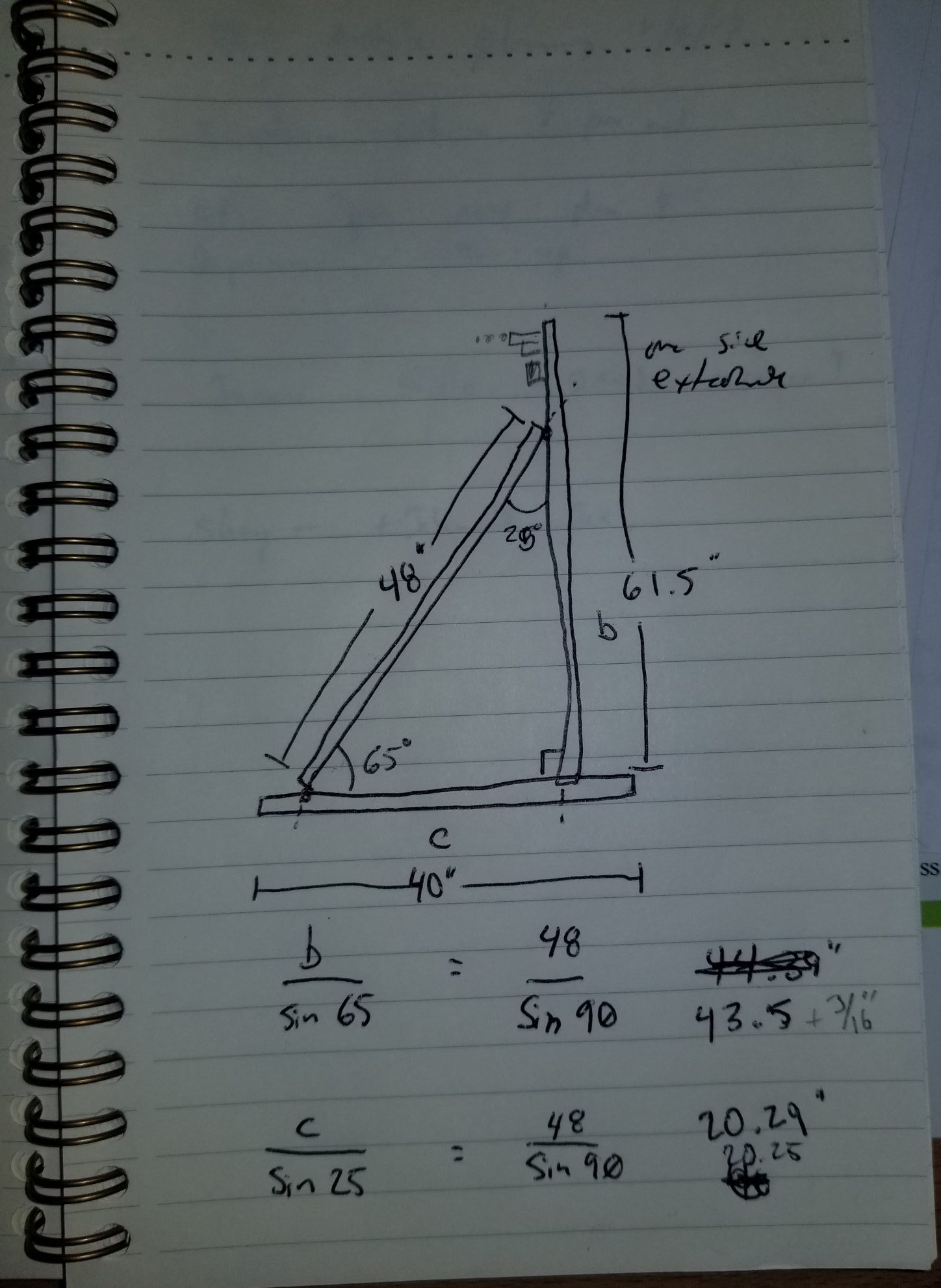
Solar angle calculations
You could do the math yourself, but I find it easier to use an online calculator to determine the best angle for the solar panel. This one worked well for me: http://solarelectricityhandbook.com/solar-angle-calculator.html
Connectivity
My security camera itself may all be wireless and self-contained, but at the distance from the house WiFi does not have a great signal. To rectify this I use an outdoor mesh wireless access point from Ubiquity which gives me great outdoor coverage. The scope of installing a mesh wireless network is outside of the scope of this article (perhaps we can revisit that another day).
Picture Gallery


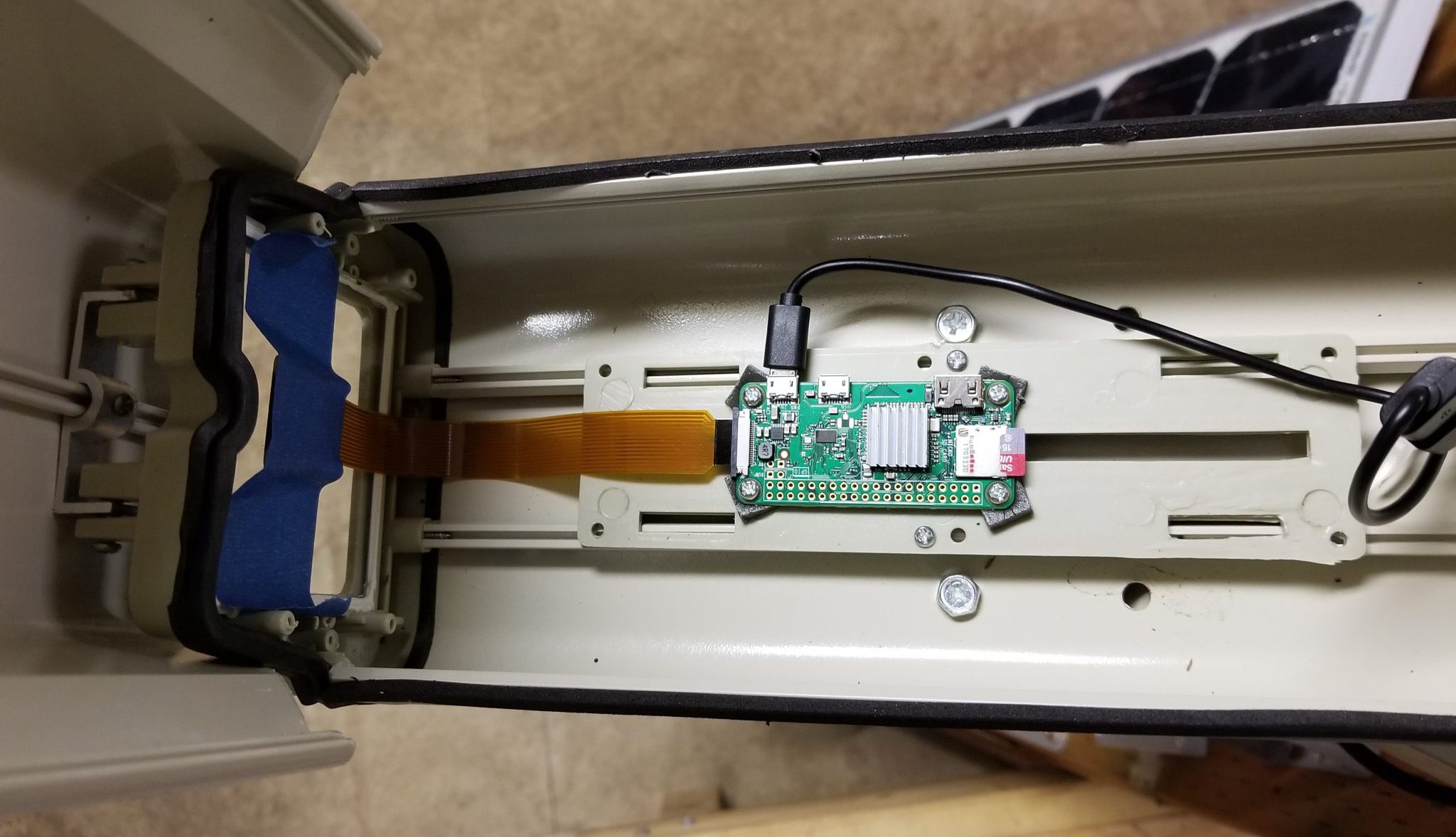
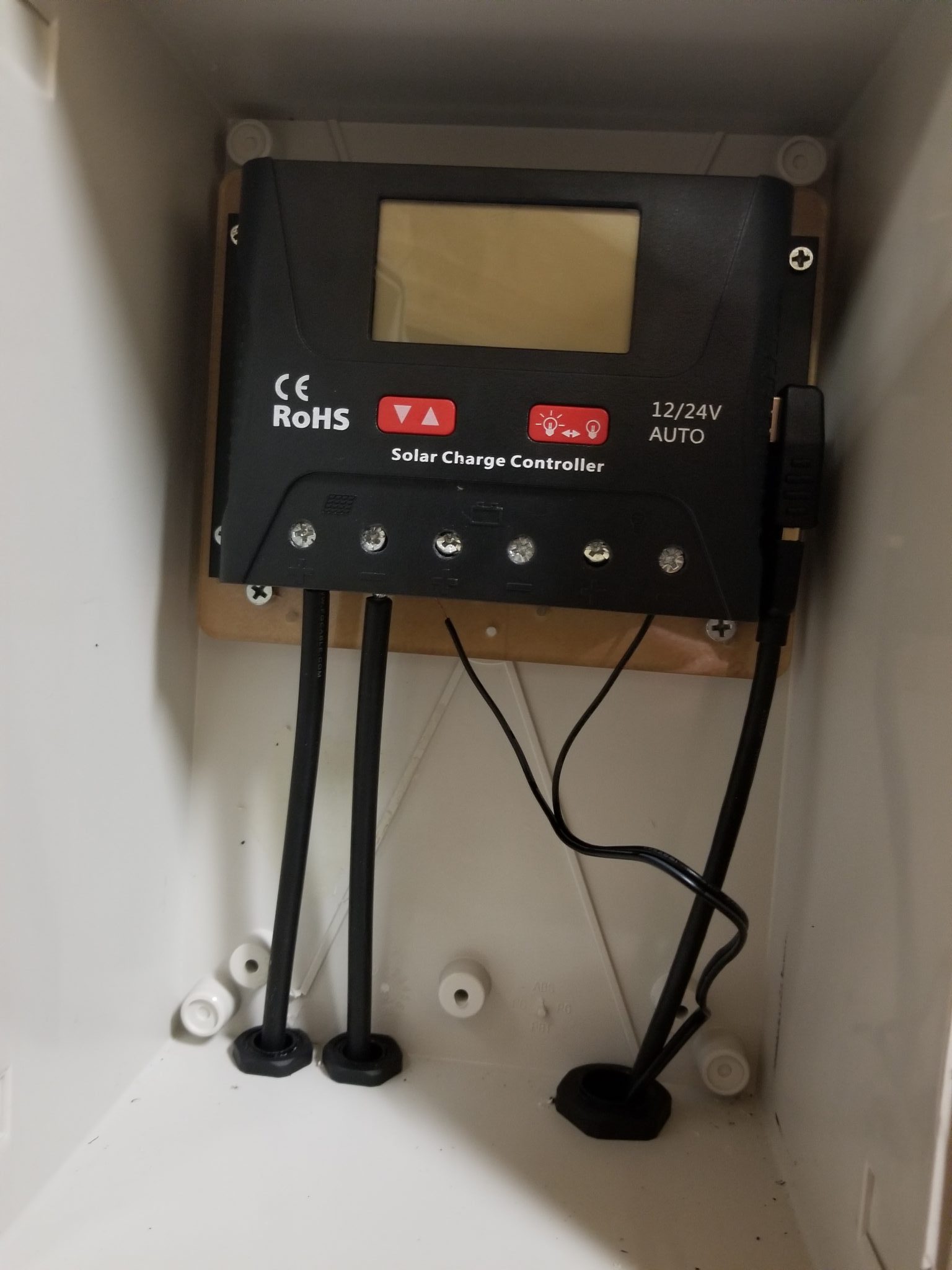
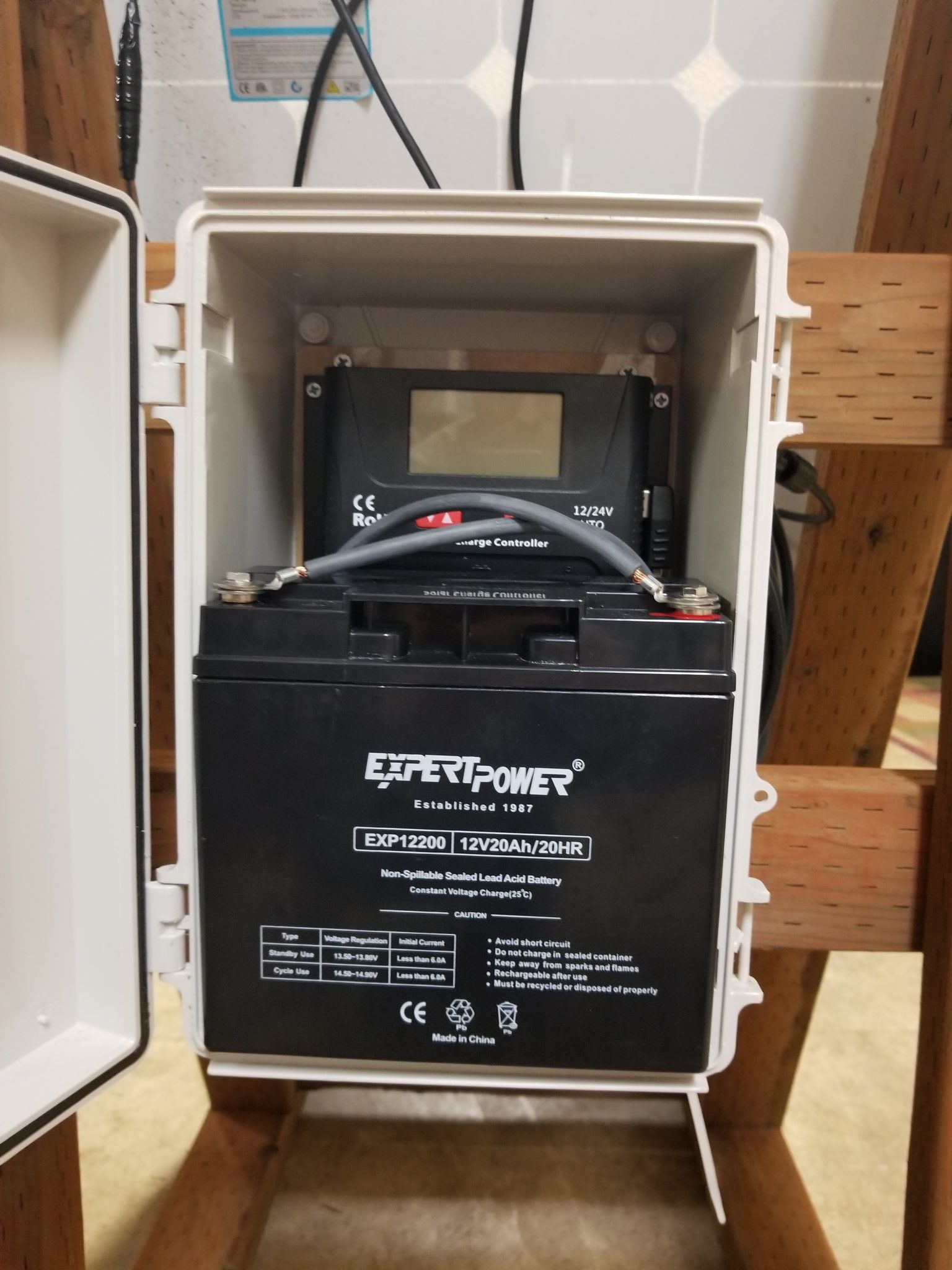
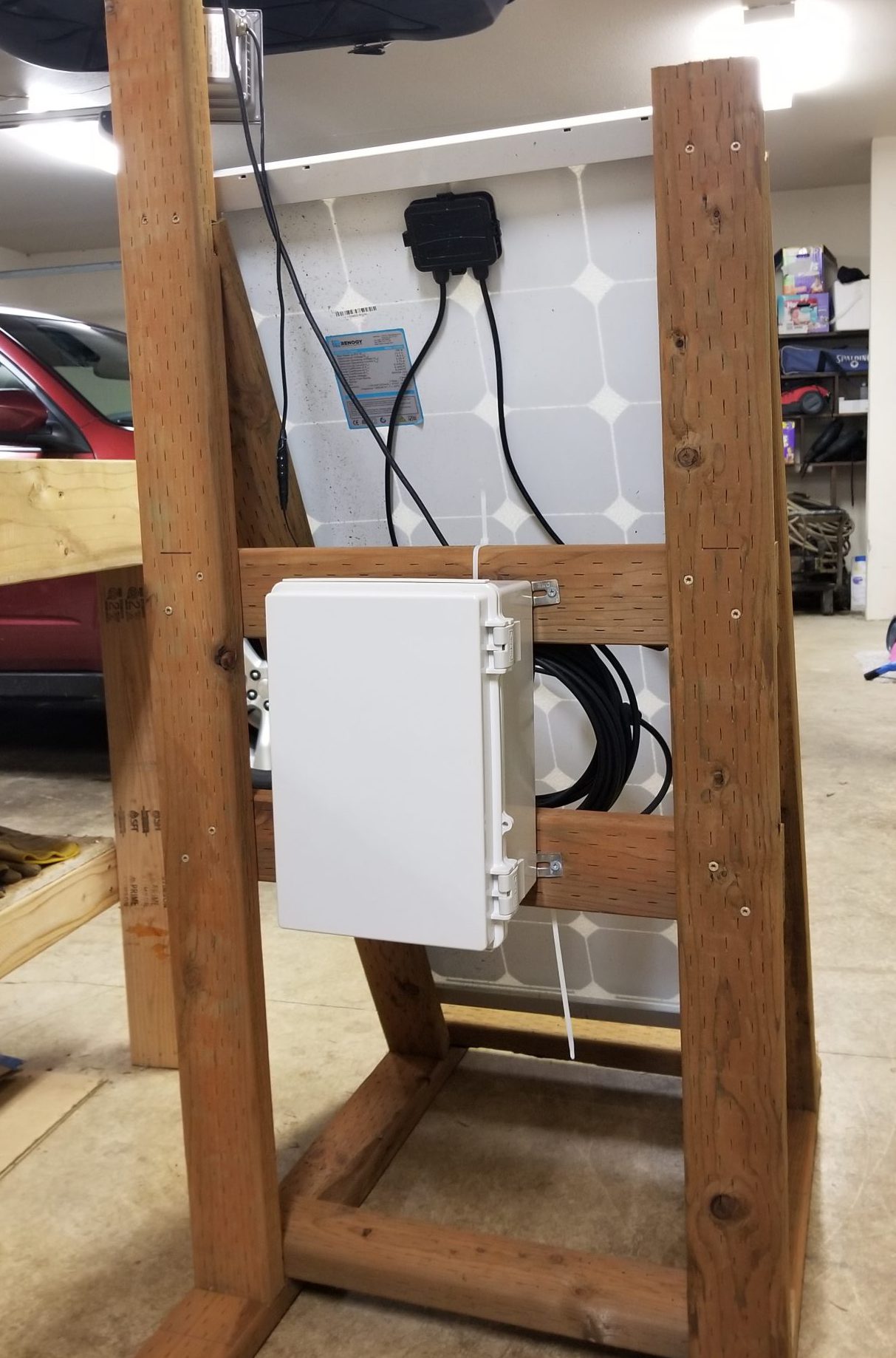
Hope you find this helpful in your endeavors, and be sure to share!
Erik

Technology, science, building things and experiencing the world. What more could anyone ask for?
FreeLearner.how founder and doer of many things